


Players rating
BC Game Chile App for Casino and Sports Betting
Open on MobileBC Game Chile App: casino, sportsbook and Wallet on mobile
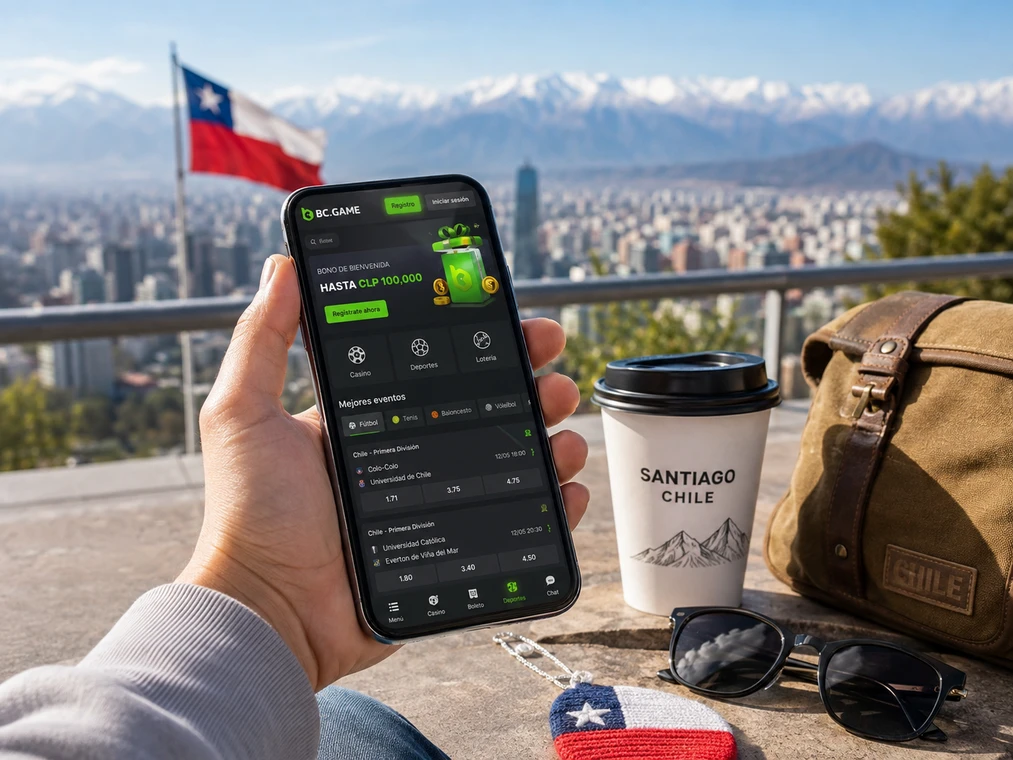
BC Game Chile App is the mobile access point for the same BC.GAME account, with casino, sportsbook, Bonus, Wallet, history, support and security settings available from a phone or tablet. There is no separate mobile balance: funds, bets, rollover and transactions belong to the profile and remain visible when the user switches between desktop and mobile.
The mobile interface preserves the core tasks available through BC Game Chile: search slots, open live casino, add odds to the bet slip, inspect My Bets, use Wallet > Deposit or Withdraw, review Transaction and open Rollover for promotional wagering. Game and payment availability still depends on the region and what the account actually displays.
Android installation and browser access
BC.GAME supports an installable web-app experience. On Android, open the platform in a compatible browser and check the browser or platform menu for Install App or Add to Home Screen, depending on the device. The installed entry behaves like a direct app icon while using the existing account credentials.
Recommended Android sequence
- Open BC.GAME in the phone browser.
- Confirm that the address is a BC.GAME domain or verified official mirror.
- Open the menu and choose the installation/home-screen option when it is offered.
- Launch the installed icon and sign in with the existing account.
- Check Wallet and My Bets to confirm that the correct profile is active.
iPhone and iPad: Add to Home Screen
On iOS, Safari can create an app-style entry through Share > Add to Home Screen when available. It opens the mobile web experience while keeping the same account. We do not recommend installing third-party packages that request credentials away from a verified BC.GAME page.
Mobile login, verified email and 2FA
Email or phone verification is managed under Avatar > Global Settings > Security. The Help Center states that a verified registered email cannot later be changed. To enable 2FA, email or phone verification must be completed first; Google Authenticator then generates six-digit codes that refresh every 30 seconds.
A password change requires at least two verification methods from 2FA, phone and email and triggers a 24-hour withdrawal restriction. Disabling 2FA also disables withdrawals for 24 hours. These controls apply when the change is initiated on mobile as well as desktop.
Mobile payments
Crypto deposits use the desktop workflow: Wallet > Deposit, choose Cryptocurrency, select coin and network, copy the address and transfer from an external wallet. XRP, XLM and EOS can require a Memo, Tag or Destination ID. Status appears in Transaction; deposits can take roughly one minute to two hours depending on blockchain confirmation requirements.
My Bets, Rollover and Transaction on mobile
The phone also exposes three records that reduce reliance on external screenshots. My Bets stores open and settled sports tickets; Wallet > Rollover shows remaining wagering on active promotions; Wallet > Transaction lists deposits, withdrawals, swaps, crypto purchases and bonus movements. Switching from Wi-Fi to mobile data does not change those records because they belong to the account rather than the device.
If a mobile game freezes, record the provider and round ID before closing the tab. If odds move, re-check the bet slip before confirmation. If a deposit is delayed, Transaction can show whether an order already exists before another payment is attempted. Those checks help prevent duplicate actions.
BC Game Chile App FAQ
Do I need a separate app account?
No. Mobile access uses the same profile, balance, history, promotions and My Bets as desktop.
How do I check a bet on mobile?
Open Sportsbook > My Bets. Active and settled tickets display the event, stake, odds, status and date.
What if the app-style page does not load?
Check the connection, refresh and verify the domain. If only one game fails, record the provider and round ID before contacting support.
Mobile sessions without removing account checks
Before confirming a bet or payment on a small screen, review the complete data: odds and stake in sportsbook; coin, network and address in Wallet; wagering and expiry in Bonus. Mobile access is valuable because it preserves account continuity, not because it removes those controls.